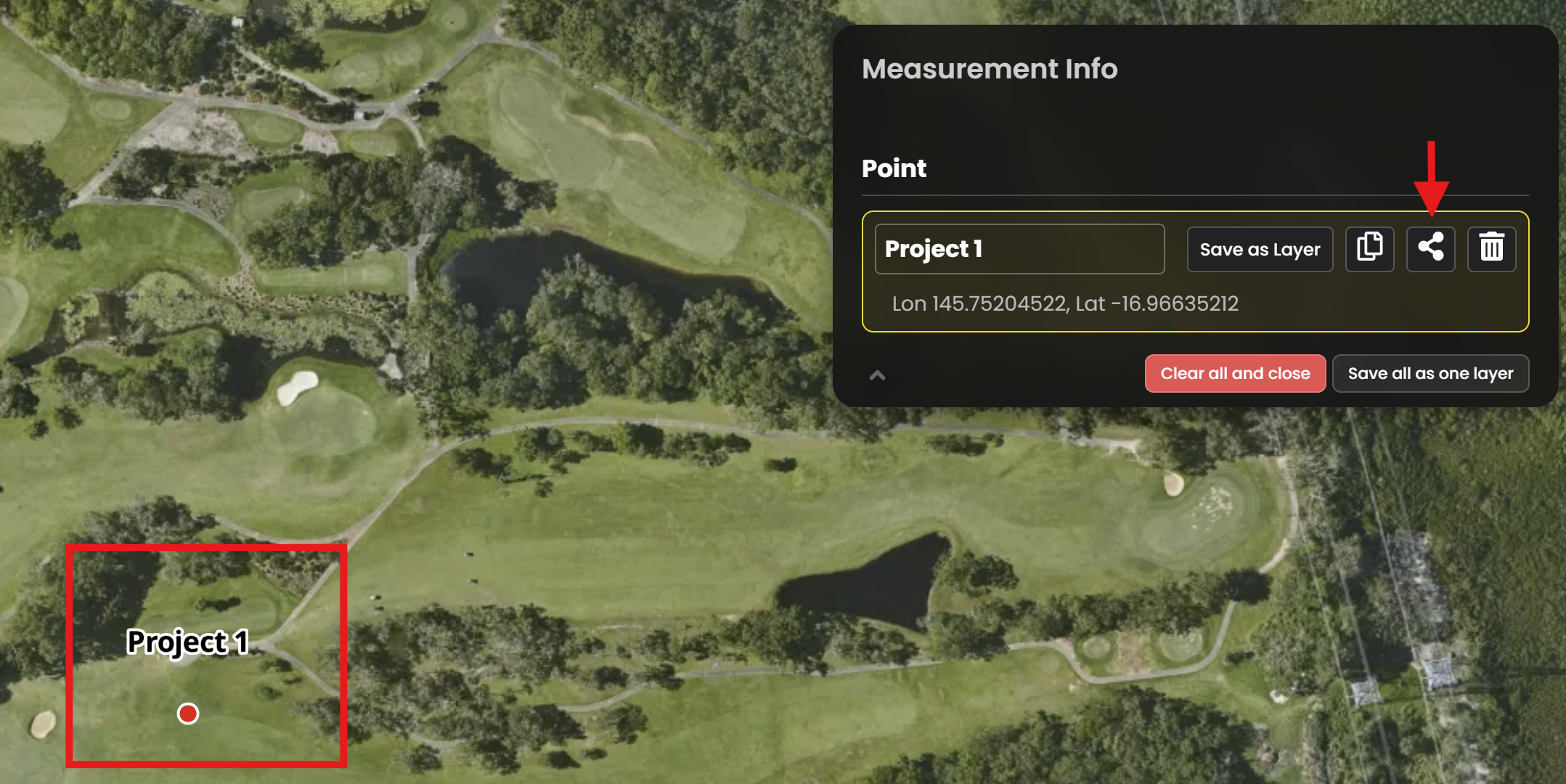
After searching for a location or coordinate, you can share this with a colleague or another MetroMap customer. Simply click on an existing marker, or draw a new marker. Then click on the share icon:
By default, the link will bring you to the location at the same Zoom Level that you are currently displaying. To change the Zoom Level, click the Zoom button to open a drop down menu. To get the best from our high resolution imagery, we suggest you use Zoom Levels 19 to 21
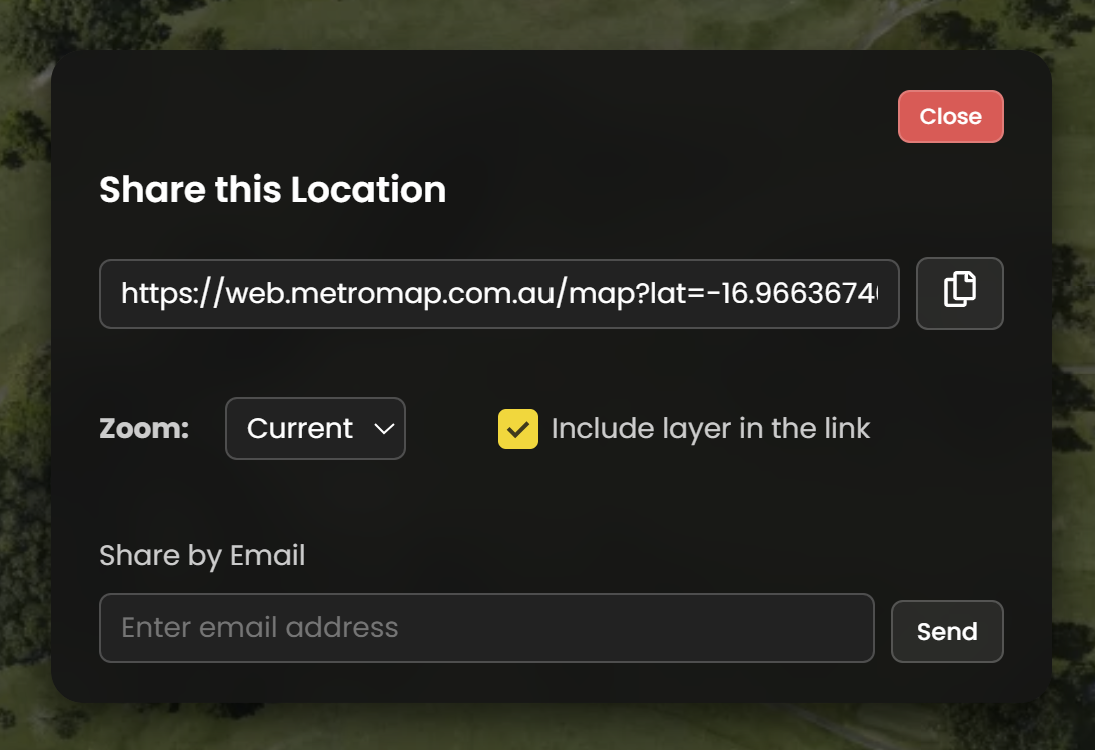
You can easily share the map location in two ways:
- Copy Link – Click the button to copy the page URL to your clipboard.
- Share via Email – Enter the recipient’s email address in the box provided and click Send.