The swipe tool allows you to compare two sets of imagery of the same location.
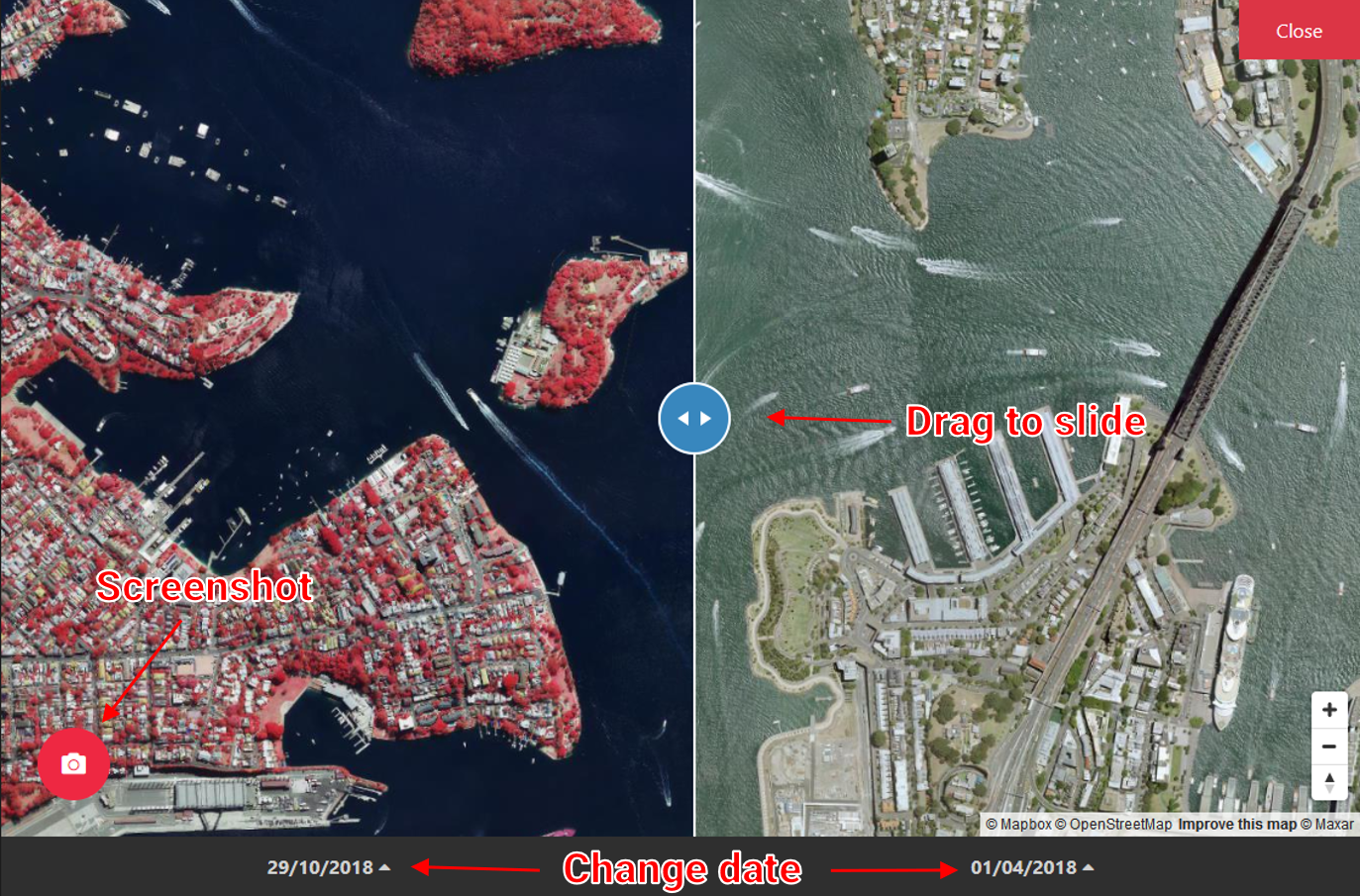
You can choose imagery from different date using the drop up at the bottom bar.
You can take a screenshot by clicking the Screenshot button.
You can drag the blue handle to slide between the two sides.
Close swipe tool by clicking the Close button in the top-right corner.